TRON 2 · DOCUMENTATION
Change configuration
Excerpted from the supplied English User Manual v1.4. Chinese editorial corrections and later confirmations may not be synchronized. Check the Chinese reference where the two differ.
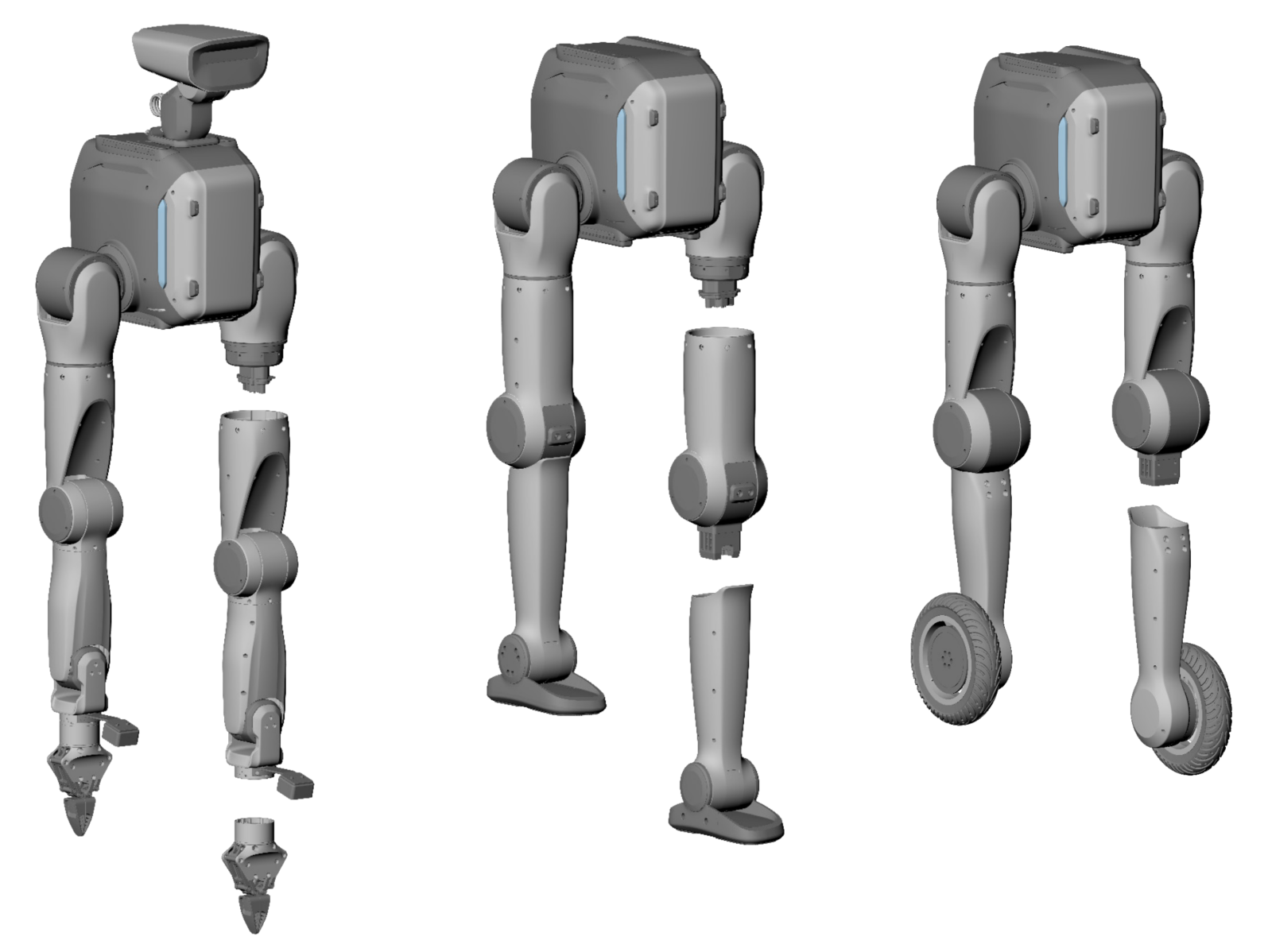
3.6 Robot Configuration Switching
- Automatic recognition is supported between configurations; manual configuration is not required.
- The leg and arm configurations share the same first three joints. To replace an arm or leg, detach it below the hip (for legs) or shoulder (for arms) joint. This can be done by one person using the supplied toolkit.
- Switching between bipedal and wheeled-biped configurations can be completed quickly. The mounting structure includes poka-yoke design to prevent the feet from being installed front/back reversed or the wheeled legs from being installed inside/out reversed.
NEXTSoftware & firmware